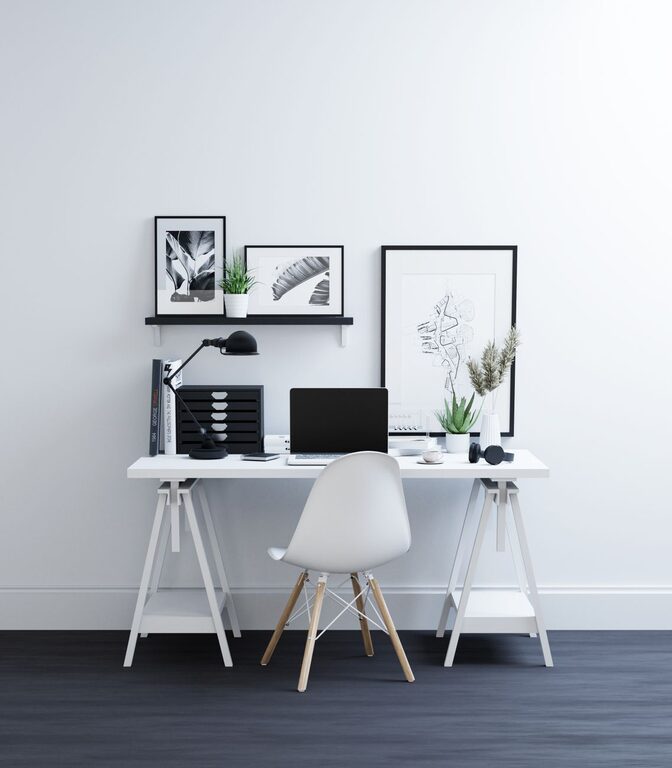

Creating a pleasant and organized workspace can significantly impact your productivity and overall mood. Sometimes, all you need is a quick refresh to make your environment feel new and inviting again. Whether you’re working from home or in an office, refreshing your workspace doesn’t have to take hours. In fact, with just ten minutes, you can make noticeable improvements that help you stay focused and motivated.
In this post, we’ll guide you through simple and effective steps to refresh your workspace quickly and easily.
Why Refresh Your Workspace?
Before we dive into the steps, it’s helpful to understand why refreshing your workspace matters:
– Boosts productivity: A tidy environment minimizes distractions and helps you focus.
– Enhances creativity: A clean space can inspire fresh ideas.
– Reduces stress: Clutter can cause anxiety; organizing helps create calm.
– Improves comfort: Small adjustments can make your area more welcoming.
Now, let’s get started with the quick refresh!
Step 1: Clear Your Desk Surface (2 minutes)
Start by removing everything from your desk surface. This includes papers, pens, gadgets, and any personal items.
– Quickly sort items into three piles: Keep, relocate, and discard.
– Put away anything that doesn’t need to be on your desk.
– Toss any trash like old receipts or scraps of paper.
Clearing your desk instantly creates a blank slate and reduces visual clutter.
Step 2: Wipe Down Surfaces (2 minutes)
With your desk clear, take a moment to clean.
– Use a microfiber cloth or disinfecting wipe to clean your desk, keyboard, mouse, and monitor stand.
– Don’t forget to wipe down your chair arms and any shelves nearby.
– Cleaning removes dust and germs, contributing to a healthier workspace.
Step 3: Organize Essential Items (3 minutes)
Gather the items you use daily and organize them neatly on your desk.
– Use desktop organizers, trays, or small containers for pens, notes, and accessories.
– Arrange your computer and peripherals ergonomically: monitor at eye level, keyboard and mouse within comfortable reach.
– Limit items on your desk to essentials to maintain clarity.
Step 4: Add a Touch of Nature or Personal Flair (1 minute)
Bringing in something natural or personal can brighten your space.
– Place a small potted plant or succulent on your desk for a refreshing green touch.
– Add a photo frame, an inspiring quote, or a decorative item that makes you smile.
– Be mindful not to clutter; simplicity is key.
Step 5: Adjust Lighting and Chair Setup (2 minutes)
A well-lit and comfortable setup makes a big difference.
– Position your desk near natural light if possible.
– Adjust your lamp to reduce glare and shadows on your work surface.
– Check your chair height and back support to stay comfortable during work.
Bonus Tips for Maintaining a Refreshed Workspace
– Daily 2-minute tidy: Spend a couple of minutes at the end of each day tidying your desk.
– Use cable organizers: Keep cords neat to avoid tangling and mess.
– Limit paper: Go digital when you can to reduce piles of paperwork.
– Declutter regularly: Schedule a weekly or monthly deeper clean.
Final Thoughts
Refreshing your workspace doesn’t need to be a big project. In just ten minutes, you can clear clutter, clean, organize, and add a bit of personality to your work area. These small changes not only make your workspace more pleasant but also help you work more efficiently and feel better throughout your day. Give these steps a try, and you might find that a simple refresh is just what your productivity needs!